Introduction
I remember when text-to-image models could barely generate a recognizable cat. Now we have models like Wan 2.7 — Alibaba's latest generation — that produce photorealistic images from a few lines of text. But as with any AI image generator, the quality of your output depends heavily on how you use it.
I've spent the past few weeks putting Wan 2.7's image generation capabilities through its paces — testing prompts, tweaking parameters, and figuring out what makes the difference between a generic output and something genuinely impressive.
Here's what I learned about getting the best results from Wan 2.7's image generator.
TL;DR
- Wan 2.7 excels at photorealism and Chinese aesthetic scenes — architecture, nature, portraits, and cultural imagery are its strongest areas
- Use descriptive, structured prompts — subject, style, lighting, and composition are the four cornerstones
- Image generation is fast — most outputs complete in under 60 seconds
- The model handles complex prompts well — it can follow multi-part instructions with good accuracy
- Wan 2.7 supports both standard and cinematic aspect ratios
What Is Wan 2.7?
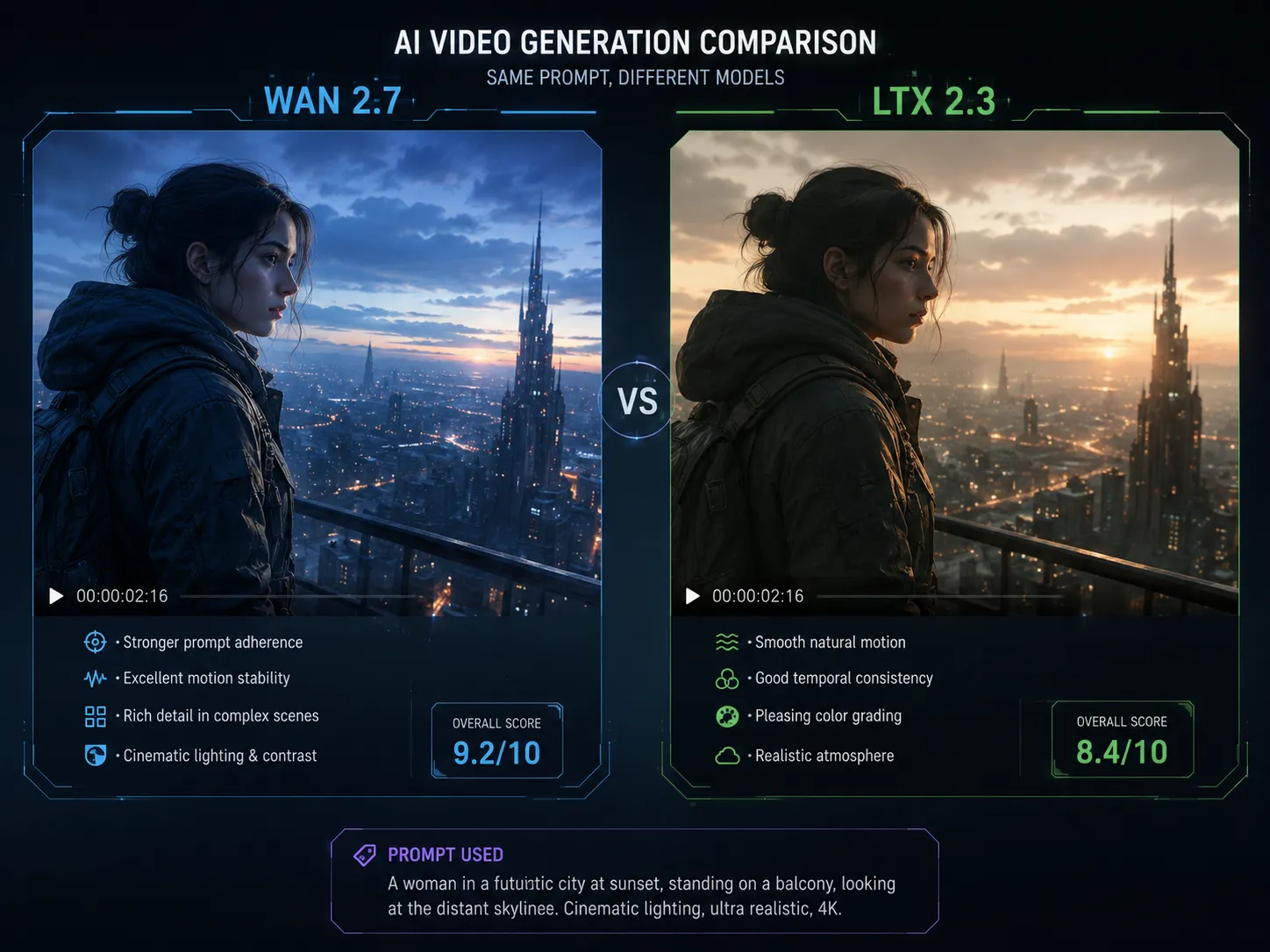
Wan 2.7 is Alibaba Cloud's latest AI model for image and video generation. While it's gained significant attention for its video generation capabilities (rivaling models like Sora and Seedance 2.0), its image generation is equally capable.
The model is built on a diffusion transformer architecture trained on a massive dataset. What sets it apart is its strong understanding of:
- Photorealism — natural skin texture, realistic lighting, material accuracy
- Asian and Chinese aesthetics — particularly strong for architecture, nature scenes, and portraits
- Prompt adherence — follows complex instructions with multiple elements
- Style versatility — from photorealistic to anime to oil painting
It's available through several platforms, but one of the most accessible ways to try it directly is the Wan 2.7 AI Image Generator.
Step 1: Write a Structured Prompt
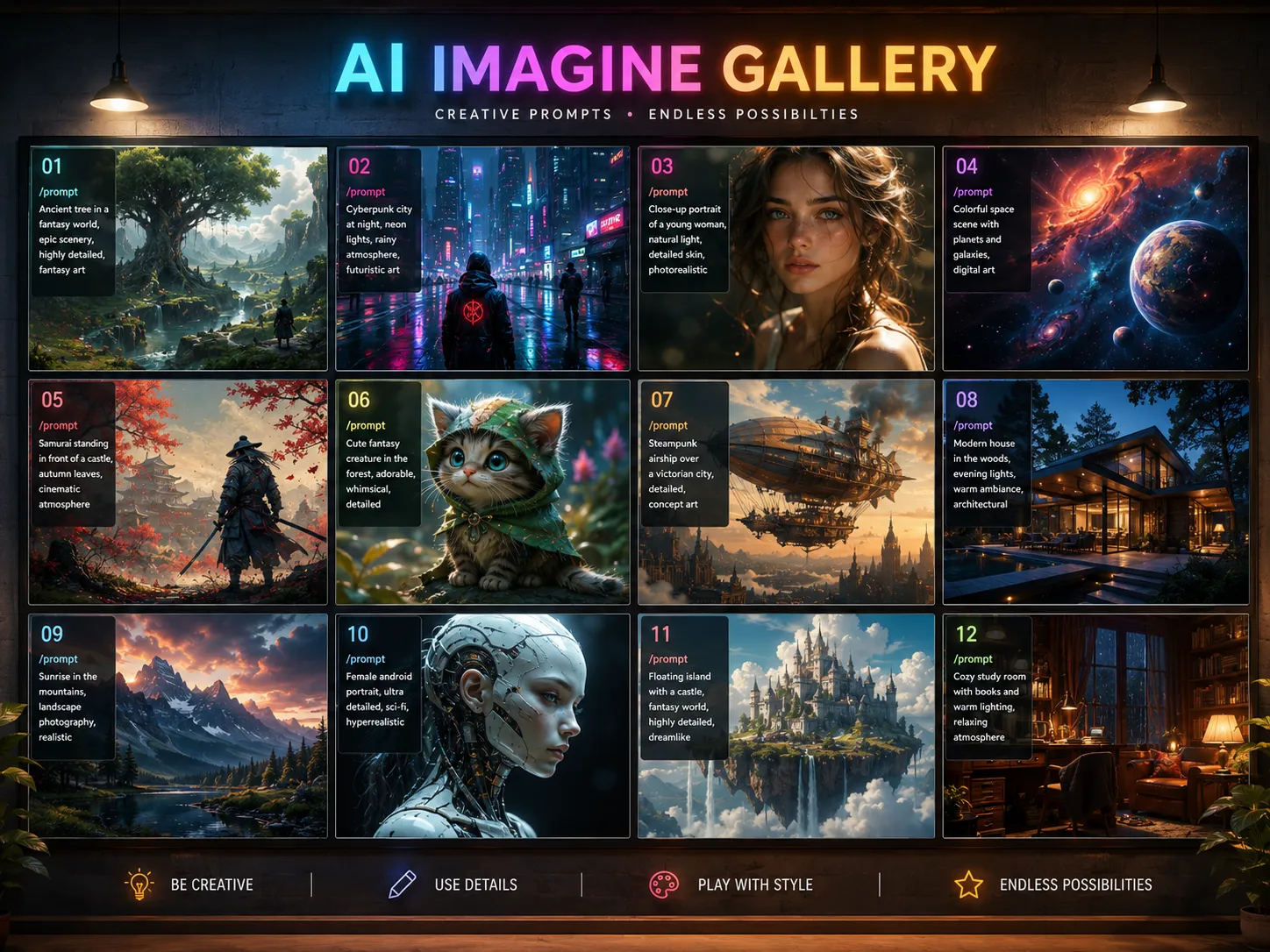
The single most important factor in Wan 2.7 image quality is your prompt. Based on my testing, this structure works best:
[Subject] + [Detailed Appearance] + [Action/Pose] + [Environment/Background] + [Lighting] + [Style/Quality]
Example Prompts by Category
Portrait:
"A young woman with long black hair wearing a traditional silk qipao, standing in a classical Chinese garden beside a blooming cherry blossom tree, soft natural sunlight filtering through petals, shallow depth of field, photographic realism, 8k"
Architecture:
"A modern minimalist house with floor-to-ceiling windows surrounded by bamboo forest, warm golden hour light streaming through the glass, clean lines and natural materials, architectural photography style"
Nature:
"Mist-covered mountain peaks at sunrise, layers of blue-gray ridges fading into the distance, pine trees on the foreground slope, atmospheric perspective, National Geographic photography style"
Product:
"A minimalist ceramic teapot on a natural wooden surface, steam curling upward, soft window light from the left, warm earthy tones, product photography style"
Step 2: Generate Your Image
Once your prompt is ready:
- Go to the Wan 2.7 AI Image Generator
- Enter your prompt
- Select your preferred aspect ratio
- Click generate
Most images complete in 30-60 seconds.
Tip: If you want to compare different prompt styles, open multiple tabs and generate variations in parallel.
Step 3: Evaluate and Refine
After your first generation, check these aspects:
| Quality Factor | What to Check |
|---|---|
| Subject accuracy | Does the main subject match your description? |
| Composition | Is the framing pleasing and well-balanced? |
| Lighting | Does the lighting match your description? |
| Detail level | Are textures, materials, and fine details sharp? |
| Photorealism | Does the image look natural or artificial? |
Common Issues
| Issue | Fix |
|---|---|
| Subject looks wrong | Add more descriptive detail — age, clothing style, expression |
| Lighting doesn't match | Specify light source direction and type — "golden hour," "studio softbox," "overcast natural light" |
| Background is too simple | Describe the environment in detail — add textures, objects, depth |
| Image is too soft | Add quality keywords — "sharp focus," "detailed texture," "8k" |
| Wrong art style | Be explicit — "photorealistic," "cinematic," "anime style," "watercolor" |
What Wan 2.7 Does Best
Photorealism
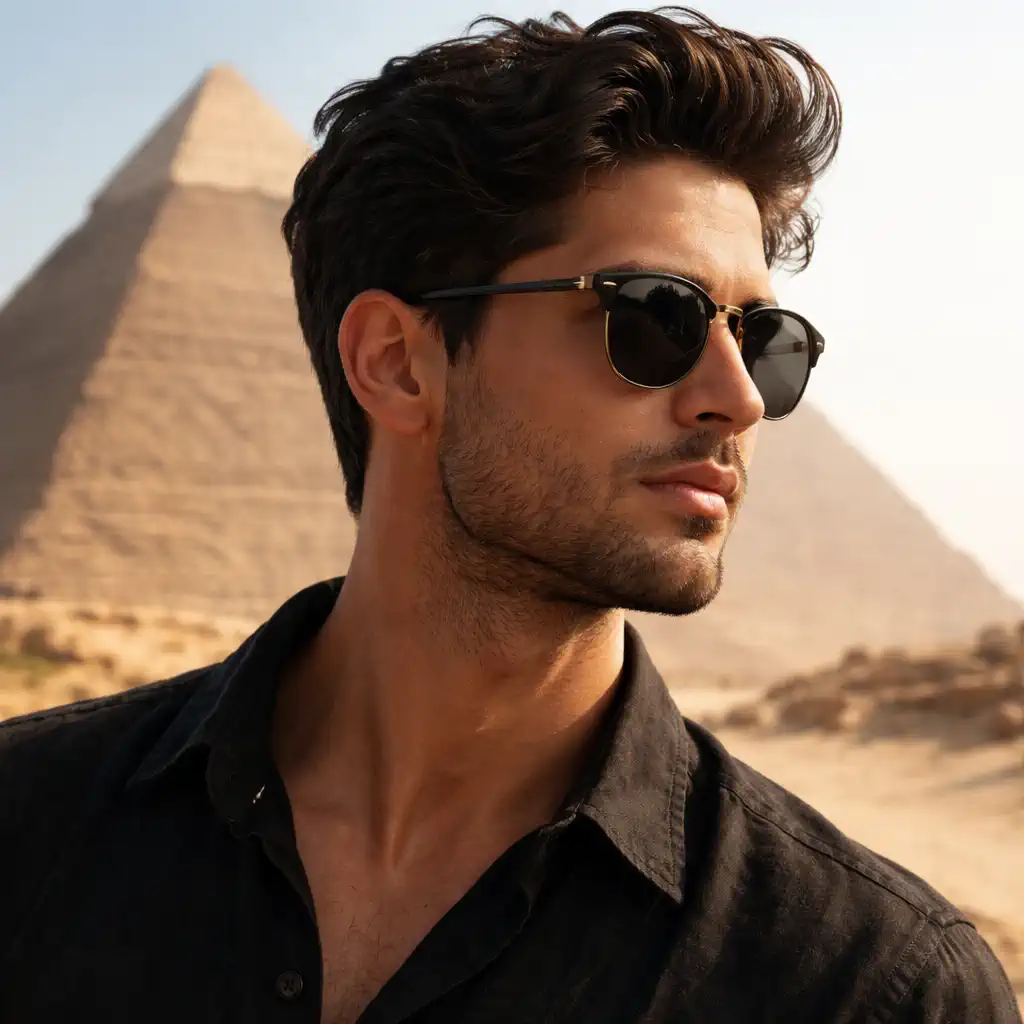
Wan 2.7 produces some of the most convincing photorealistic images I've seen from an open-source model. Skin texture, fabric folds, and natural environments are particularly strong.
Chinese Aesthetics
Traditional Chinese architecture (pagodas, gardens, temples), landscapes (misty mountains, bamboo forests), and cultural imagery are clearly areas where the training data excels.
Complex Scene Composition
The model handles scenes with multiple subjects and layered backgrounds better than most. You can describe a foreground subject, midground elements, and a background environment, and Wan 2.7 will typically organize them coherently.
Style Versatility
While photorealism is its strength, Wan 2.7 can handle:
- Cinematic — with depth of field, dramatic lighting, and film-like color grading
- Anime/Illustration — flat colors, clean lines, stylized features
- Oil painting — brush textures, painterly lighting
- Minimalist — clean compositions, negative space
Where Wan 2.7 Falls Short
Balanced assessment — no tool is perfect:
-
Western-specific subjects can feel generic — models, fashion, and scenes from Western contexts sometimes lack the same cultural nuance as Chinese subjects
-
Hands and fingers — like most AI image generators, hands can be inconsistent. Fingers sometimes merge or have odd proportions
-
Complex action scenes — multiple interacting subjects in motion (e.g., "two people shaking hands while walking") can confuse the model
-
Text in images — Wan 2.7 is not designed for text rendering. If you need text in your image, add it in post-production
-
Very specific brand references — the model doesn't reliably reproduce specific logos, products, or celebrity faces
Practical Use Cases
Content Creation
Blog headers, social media graphics, and presentation visuals — Wan 2.7's fast generation and style versatility make it practical for daily content needs.
Prompt:
"A clean blog header image for an article about AI technology, abstract blue and purple gradient background with subtle circuit board patterns, professional corporate style"
E-Commerce
Product images, lifestyle mockups, and promotional visuals.
Prompt:
"A minimalist product display of a smartphone on a marble surface, side angle showing the phone screen, soft studio lighting, clean and modern e-commerce photography style"
Concept Art
Visualizing ideas for architecture, interior design, or creative projects.
Prompt:
"A cozy modern reading nook with a floor-to-ceiling window overlooking a forest, built-in bookshelves, warm ambient lighting, an armchair and a small side table, architectural visualization"
Social Media Content
Instagram posts, Pinterest pins, and YouTube thumbnails.
Prompt:
"An aesthetic flat lay of coffee, a notebook, and a dried flower on a beige surface, overhead shot, soft natural lighting, minimalist cozy vibe, Instagram style"
Wan 2.7 vs Other Image Generators
| Feature | Wan 2.7 | Midjourney | DALL-E 3 | GPT Image 2 |
|---|---|---|---|---|
| Photorealism | ★★★★☆ | ★★★★★ | ★★★★☆ | ★★★★☆ |
| Asian/Cultural imagery | ★★★★★ | ★★★☆☆ | ★★★☆☆ | ★★★☆☆ |
| Prompt adherence | ★★★★☆ | ★★★★☆ | ★★★★★ | ★★★★★ |
| Speed | ★★★★★ | ★★★★☆ | ★★★☆☆ | ★★★★☆ |
| Text rendering | ★★☆☆☆ | ★★☆☆☆ | ★★★☆☆ | ★★★★★ |
| Price | Free/Cheap | Paid | Paid | Paid |
Getting Started Today
The fastest way to try Wan 2.7 image generation:
- Open the Wan 2.7 AI Image Generator
- Use the prompt formula: Subject + Appearance + Environment + Lighting + Style
- Generate your first image
- Refine the prompt based on the result
Start with a simple portrait or landscape — these are the areas where Wan 2.7 performs most consistently. Once you understand the model's style preferences, experiment with more complex compositions.
If you're also interested in video generation, Wan 2.7 has excellent text-to-video capabilities that use the same underlying model architecture.
The Bottom Line
Wan 2.7 is a capable and versatile AI image generator that punches above its weight class, especially for photorealistic and culturally specific imagery. It's fast, free to access, and produces consistently good results when you use structured prompts.
Is it the absolute best image generator in every category? No — Midjourney still leads on pure artistic quality, and GPT Image 2 is better for text rendering. But Wan 2.7 offers an excellent balance of quality, speed, and accessibility, making it a practical choice for creators who need reliable image generation without a subscription.
FAQ
What is Wan 2.7 AI image generator?
Wan 2.7 is Alibaba Cloud's AI model for generating images from text descriptions. It produces photorealistic and stylized images with strong performance in Asian aesthetics, architecture, and nature scenes.
Is Wan 2.7 image generator free?
Yes, Wan 2.7 is available through various free platforms. You can try it directly on the Wan 2.7 AI Image Generator without payment.
How do I write good prompts for Wan 2.7?
Use the structure: Subject + Detailed Appearance + Environment + Lighting + Style/Quality. Start simple and add detail iteratively.
Can Wan 2.7 generate images in different art styles?
Yes, Wan 2.7 supports photorealistic, cinematic, anime, oil painting, and minimalist styles. Specify the style explicitly in your prompt.
How fast is Wan 2.7 image generation?
Most images generate in 30-60 seconds, making it faster than many competing models.
Is Wan 2.7 better than Midjourney for image generation?
It depends on your needs. Midjourney offers superior artistic quality and style variety. Wan 2.7 excels at photorealism, Asian aesthetics, and is free to use. For most practical content creation, Wan 2.7 is a strong alternative.